Every product that has a sign-up has a set of email flows behind it: confirmation, password reset, email change, notifications, unsubscribe. These flows are easy to break and easy to forget to test, because testing them properly means repeatedly creating accounts and receiving real mail. A disposable inbox turns that chore into something fast, repeatable and clean.
Why testers reach for disposable inboxes
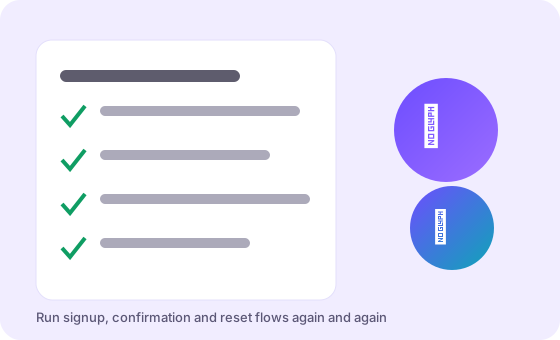
A verification flow has to be run against a mailbox that actually receives mail — you cannot stub your way past the thing you are trying to verify. But a real mailbox is the wrong instrument for the job. It fills with test mail, it is tied to a person, and it is awkward to share with a teammate. A disposable inbox is:
- Instant. A fresh address in one click, so each test case starts from a clean state.
- Disposable. No cleanup, no accumulated junk, no confusion about which message belongs to which run.
- Untied to a person. You can hand a colleague the address for a shared debugging session.
- Free. You can create as many as a test matrix needs.
The flows you will exercise most
In practice, a handful of flows account for nearly all email testing:
- Sign-up confirmation. Does the welcome mail arrive, is the link valid, does clicking it activate the account?
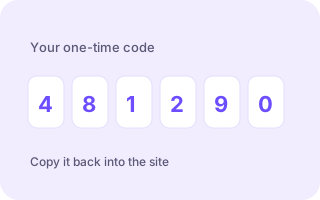
- One-time codes. Does the OTP render correctly, does it expire as intended, does it reject a wrong code?
- Password reset. Does the reset link work once and only once, and does it expire?
- Email change. When a user moves to a new address, is the confirmation sent to the right place?
- Transactional notifications. Receipts, alerts and digests — do they render and link correctly?
- Unsubscribe. Does the link actually stop the mail, and does it work without a login?
Each of these is easier to run when the receiving address is disposable, because you can start fresh for every case instead of untangling a shared inbox.
Keeping tests deterministic
The biggest source of flakiness in email testing is not your code; it is mail delivery. A code that arrives in two seconds during development can take forty under load. Build that into your expectations: poll the inbox for a bounded window rather than asserting instant delivery, and treat a missing message as "not yet" before treating it as "broken". When a test fails, capture the address and the timestamp — it makes reproducing the failure far easier.
Automating with a catch-all address
A disposable inbox service is really a catch-all server: it accepts mail for any name on its domain and routes it to the inbox you are viewing. That property is a gift for automation. Instead of asking a service to mint an address for every test run, a harness can simply invent one — run-42-checkout@ — and read whatever lands there. Tagging each run with a distinct local part makes the mail self-labelling and lets parallel runs share one inbox without stepping on each other.
The failure modes worth watching for
When an email flow misbehaves, it usually does so in one of a few familiar ways:
- Links that only work once are being consumed by a link-prefetcher — a scanner that opens the URL before the user does. Test with a click-through that mimics a real user.
- Codes that never arrive often mean a domain or sender is being filtered; check the sending domain's reputation.
- Formatting that collapses is usually an email-client rendering issue, so preview in more than one client.
- Rate limits can silently swallow the tenth message in a burst; space out automated sends.
A practical workflow
- Create a fresh inbox and copy the address.
- Run the flow under test, submitting that address.
- Wait for the message, with a sensible timeout.
- Extract the code or link and assert on it.
- Discard the inbox; the next case starts clean.
Limits to respect
Testing with disposable inboxes is fine for your own product and your own test data. It is not a licence to sign up for other people's services at volume, and it is not a way around anyone's terms. Keep test traffic modest, never put real customer data through a throwaway inbox, and remember that a temp inbox is short-lived by design — do not build a test that depends on reading the same message a week later.
Used within those bounds, a disposable inbox is one of the simplest upgrades you can make to a test suite: less setup, less clutter, and email flows you can trust.
Choosing addresses your tests can trust
A test is only useful if it fails loudly when something breaks. Part of that reliability is the address itself. Prefer a domain you control or one known to deliver promptly, and give each run a distinct local part so mail is never ambiguous. Avoid building a test around an address that another run might reuse, and never assert on delivery order — mail does not promise it. Treat the inbox as an observable side channel of your system, and your email tests become as dependable as the rest of the suite.